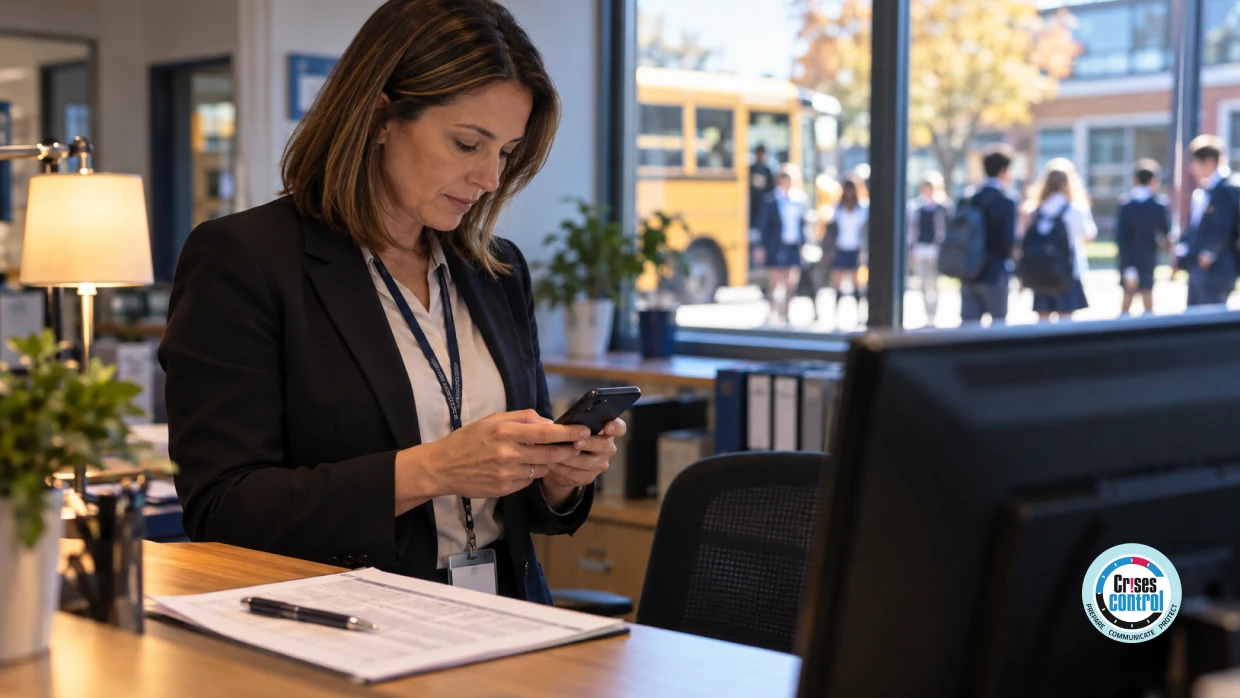
At 08:05 on a Monday, ransomware locks the management information system (MIS) and the email service at a secondary school of 1,100 pupils. Every parent's phone number is inside the MIS. The first buses are already pulling in.
How schools contact parents when systems are down is settled long before the outage. It depends on parent contact details held outside the affected system, messages that are already written and approved, and a way to see who has received them.
A school can only reach parents during a systems outage if it prepared beforehand. Parent contact details must sit outside the affected system, the first messages must be written and approved in advance, and the school needs a way to confirm delivery. Otherwise, families hear nothing.
What Is A School Systems Outage?
A school systems outage is any period when the management information system, email or phones cannot be used, whether the cause is ransomware, a supplier failure or a network fault. The MIS, often called a student information system outside the UK, holds the registers, timetables, safeguarding records and contact details a school runs on.
That is the weakness. When the MIS locks, the school loses the register and the way to tell families in the same minute. The Department for Education (DfE) allows for this: its template message to parents for a cyber incident asks the school to list what it cannot access, and gives telephones, emails, servers and the MIS as examples.
The template is written as an email. If email is one of the things that is down, what sends it? That question is the whole problem of how schools contact parents when systems are down.
Why Does Contacting Parents During A School Cyber Attack Matter?
Contacting parents during a school cyber attack matters because parents must decide at once whether to send, collect or keep a child at home, and rumour fills the gap when the school says nothing. Attacks are common: 73% of UK state secondary schools and 49% of state primary schools identified a breach or attack in the past 12 months.
Those figures come from the Cyber Security Breaches Survey 2025/2026, published by the Department for Science, Innovation and Technology and the Home Office on 30 April 2026. In the same survey, 74% of primary schools and 80% of secondary schools had a business continuity plan covering cyber security.
So most schools have a plan. The survey doesn't ask whether the plan still works when its contact list is inside the locked system. That is why how schools contact parents when systems are down belongs in the emergency plan, with a named owner on the senior leadership team.
How Schools Contact Parents When Systems Are Down: What Has To Be In Place First?
Schools reach parents in an outage with contact details, messages and sending tools that were set up before it began. Three things have to exist first: a copy of parent and staff contacts held outside the MIS, messages approved for the likely scenarios, and a channel that reports delivery or acknowledgement.
As at October 2026, the DfE guidance cited here is written for schools and colleges in England. Schools elsewhere should check what their own education department or regulator expects. This article is orientation and is not legal advice.
Contact Data Held Outside The Affected System
The DfE's cyber security standard for schools and colleges says documentation and the business continuity plan should be kept in one or more separate locations, for example "in the cloud or as a hard copy". Its cyber response plan checklist says to collect up-to-date contact details for everyone with a role in the response, and to print plans or save them in a format that opens during a cyber attack. The National Cyber Security Centre (NCSC) adds, in its response and recovery guidance, that normal means of communication may be disrupted during an incident.
The same logic applies to parent contacts: keep a copy outside the MIS, refresh it on a schedule and protect it like the original. A printed list of priority families, locked in the office, covers the calls that can't wait.
Messages Approved In Advance
Nobody writes well at 08:10 with a queue at reception. The DfE templates cover the school staying open and the school closing, with versions for parents and carers, staff and the media. A school can adapt them now and get the headteacher's approval once.
A holding message for parents needs five things:
- what has happened, with the date and time
- which systems are affected
- whether the school is open, and what is different today
- what parents should do, even if the answer is nothing
- when the next update will come, and by which channel
Confirmation Of Who Has Received Them
Sent is not the same as received. A text service with a delivery report shows the office which numbers failed, and those families get a phone call. Staff messages can go further and ask for an acknowledgement, which shows who has read the instruction.
Will The Parent App Still Work If The MIS Is Offline?
A parent app keeps working in an MIS outage only if the app holds its own copy of parent contact details, is hosted away from the school's network, and lets staff sign in without the school's own accounts. The way to find out is to test the parent app with the MIS switched off.
It is easy to assume the app will cover it. Three questions to the supplier show whether it will.
- Does the app read contact details live from the MIS, or keep its own synchronised copy?
- Can staff still sign in and send if the school's email and single sign-on are unavailable?
- How many people are set up to send, and does a password reset depend on a school mailbox?
The table sets out how schools contact parents when systems are down by comparing five channels: what each depends on, and what happens to it when the MIS and email are locked.
What Does School Communication When Email Is Unavailable Look Like In The First Hour?
School communication when email is unavailable runs on text messages, voice calls and app notifications sent from a system outside the school's network. The order is fixed: staff first, then parents, then updates at stated times. The first message to parents should go before the school has all the answers.
Take the school from the opening scene. With the preparation done, this is how schools contact parents when systems are down, step by step.
- 08:05 to 08:15. The headteacher confirms what is affected, then names one person to lead and one to send messages.
- 08:15. Staff get a message that asks for an acknowledgement: registers on paper, and one agreed line for parents at the gate.
- 08:20. Parents get the approved holding message by text. The school is open, registers are on paper, and the next update is at 10:00.
- 08:30. The office phones the priority families from the printed list, starting with pupils who have medical or safeguarding needs.
- 09:00. The sender checks the delivery report and passes the failed numbers to the office.
- 10:00. The update goes out on time, even if nothing has changed.
Each step leaves a record of who was told and when. Governors, the trust and the insurer may all ask for it later.
How Does Crises Control Help Schools Reach Parents And Staff?
Crises Control helps schools reach staff and parents during an outage by holding contact lists and message templates in a cloud platform, away from the school's own servers. Ping, its Mass Notification Software, alerts staff on several channels and tracks acknowledgement. Public Alerting sends SMS to uploaded lists of parents and reports delivery.
Ping sends one message by SMS, voice call, email, push notification, Microsoft Teams and web alert. It can be set to cascade through channels until a member of staff acknowledges, and it records each delivery and acknowledgement with a time. In the scene above, that is the 08:15 staff message and the list of who hasn't replied.
Parents are a different audience. Public Alerting lets an authorised user upload recipient details, write the message, send it as SMS and review delivery information. Parents don't need an account or the app. The approved wording can be saved too. Incident Manager stores message templates, recipient groups and attached documents such as contact lists. Between them, these modules cover the three things that decide how schools contact parents when systems are down.
Some things stay with the school. The platform only knows the contacts it was last given, so someone has to own the upload. The headteacher still decides what to say and when. The school remains the data controller for the parent list and needs a lawful basis for using it. And parents receive a text with a delivery status, which is less than the acknowledgement staff give.
One secondary school with more than 1,200 pupils moved to the platform after email and paper notices had often failed to reach staff and parents promptly, as its case study describes. The School Emergency Management Software page has more on how the platform is used in education.
Parent Communication Outage Checklist
This checklist turns how schools contact parents when systems are down into eight things a school can check.
- A copy of parent and staff contact details is held outside the MIS and refreshed on a set schedule.
- A printed list of priority families is locked in the office, and two people know where.
- Holding messages for "open with changes" and "closed" are written and approved by the headteacher.
- At least two named people can send, and neither needs school email to sign in.
- Staff are told before parents, with the line to give at the gate.
- The sending tool reports delivery for parents and acknowledgement for staff.
- Every message states when the next update will come.
- The plan has been run once as a drill, with the MIS treated as unavailable.
Silence Is What Parents Notice First
The MIS will come back. What families remember is the gap before the school spoke, when the school gate was the only source of news.
Closing that gap takes a copy of the contacts that the outage can't reach, two messages approved on a quiet afternoon, and a tool that shows which texts arrived. None of it needs the MIS to be working.
A headteacher or school business manager can test this before the end of term. Pick a morning, treat the MIS and email as gone, and try to tell every parent that the school is open. If the message goes and the delivery report comes back, the school has its answer to how schools contact parents when systems are down. If it doesn't, the checklist above shows what is missing.
For the next step, read our guides on reaching every parent in a school emergency and on mass notification software for when campus networks fail, or see what school emergency management software covers once the first alert has gone.
Frequently Asked Questions
What decides how schools contact parents when systems are down?
How schools contact parents when systems are down is decided by preparation made before the outage. A school can reach parents only if parent contact details are held outside the affected system, the first messages are already approved, and a sending tool is available that doesn't depend on the school's network. Text messages and voice calls then replace email, and a printed list covers the families who need a phone call.
What is school emergency management software?
School emergency management software is a platform that helps schools, colleges and universities prepare for, respond to and recover from incidents such as lockdowns, severe weather, medical emergencies and security threats. It combines incident coordination, multi-channel communication and task management in one place. Crises Control's school emergency management software also records each alert, acknowledgement and task.
Is a parent app the same as mass notification software?
A parent app is not the same as mass notification software. A parent app is usually used for day-to-day messages, while mass notification software sends one urgent message across several channels and shows who received it. What matters in an outage is where the contact details are held and whether delivery is confirmed. A school can use both, as long as one of them works without the management information system (MIS).
What should a school say when contacting parents during a school cyber attack?
A school contacting parents during a cyber attack should say what has happened, the date and time, which systems are affected, whether the school is open and when the next update will come. Department for Education (DfE) guidance tells staff to keep to the facts and not to speculate about when systems will be restored, unless an estimate has been agreed. A short, accurate message sent early is more use to parents than a complete one sent late.
Who does a school in England have to tell about a cyber attack?
As at October 2026, the Department for Education (DfE) cyber security standard says a school or college should report a cyber attack to its risk protection arrangement (RPA) or cyber insurance provider, to Report Fraud and to the DfE sector cyber team. The school may also need to report to the Information Commissioner's Office (ICO) within 72 hours, where a high-risk data breach has or may have occurred, and to the National Cyber Security Centre (NCSC) where the attack causes long-term school closure, the closure of more than one school or serious financial damage. Schools in other countries should check their own regulator's rules.
This article was drafted with AI assistance and reviewed by the Crises Control team. Featured image: AI-generated.